Google Analytics 4 vs seops Analytics
This is not a page about which one is better. GA4 and seops Analytics answer different questions with different trade-offs: GA4 follows a user across days and campaigns and needs consent for that in many places; seops Analytics counts without identifying anyone and gives up what identification makes possible. The panel reads both, so the choice is per site, not per account.
| Google Analytics 4 | seops | |
|---|---|---|
| Cookies and consent banner | Sets first-party cookies (_ga, _ga_*) and a client ID; in the EU and similar jurisdictions this usually needs consent, and Google offers consent mode for it. | No cookies, no localStorage, no persistent identifier; the raw IP address is not stored. Whether your site needs a consent banner depends on the law that applies to you and on everything else the site runs. |
| Script size | gtag.js loads tens of kilobytes before the first event (size varies by configuration and tags). | One script of 2.1 KB (1.2 KB compressed), loaded deferred, one request per page view. |
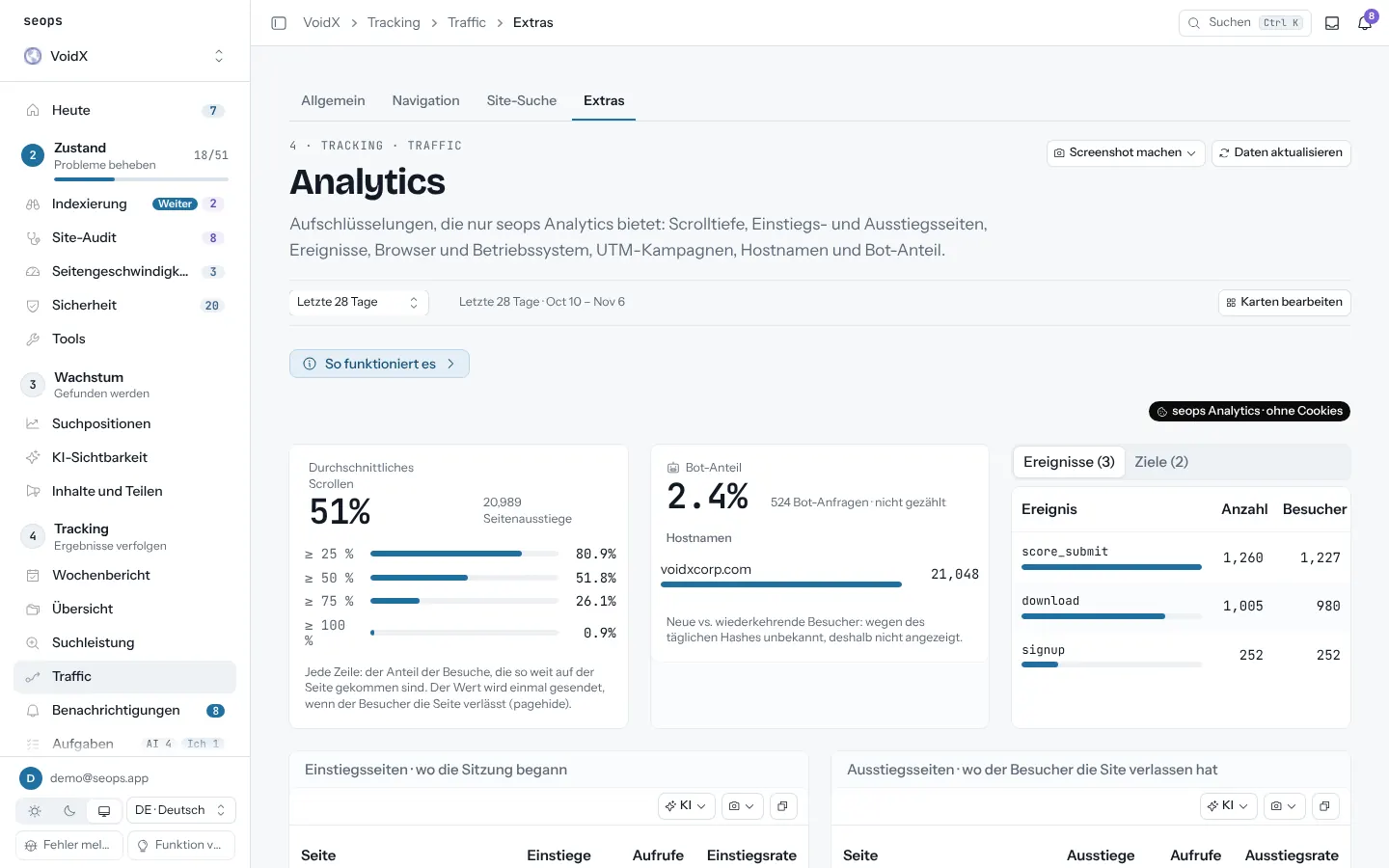
| Who is identified | A pseudonymous client ID per browser, optionally your own user ID, Google signals for signed-in users. | Nobody. Visitors within one day are told apart by a hash of a daily salt, IP address, user agent and site key; each day's salt is deleted two days after that day ends and the raw IP is never stored. |
| Returning visitors | New vs returning across days, cohorts, lifetime value. | Not available across days by design; the hash changes every day. Within a day: visitors, sessions, pages per session. |
| Ad attribution | Google Ads link, gclid, conversions, attribution models. | None. UTM parameters and a Paid Search channel from gclid/utm_medium=cpc only; no link to ad accounts. |
| Sampling and thresholds | Standard reports are unsampled; explorations can be sampled; data thresholds hide small rows when Google signals is on. | Last 90 days from raw hits; longer ranges from daily summaries (top 200 per list). No thresholds. The storage layer may sample under very high volume and compensates in totals. |
| Events | Automatic and recommended events, custom events with parameters, key events, funnels. | seops('name', {up to 8 short properties}); goals you mark in settings; scroll depth and time on page by default. No funnels. |
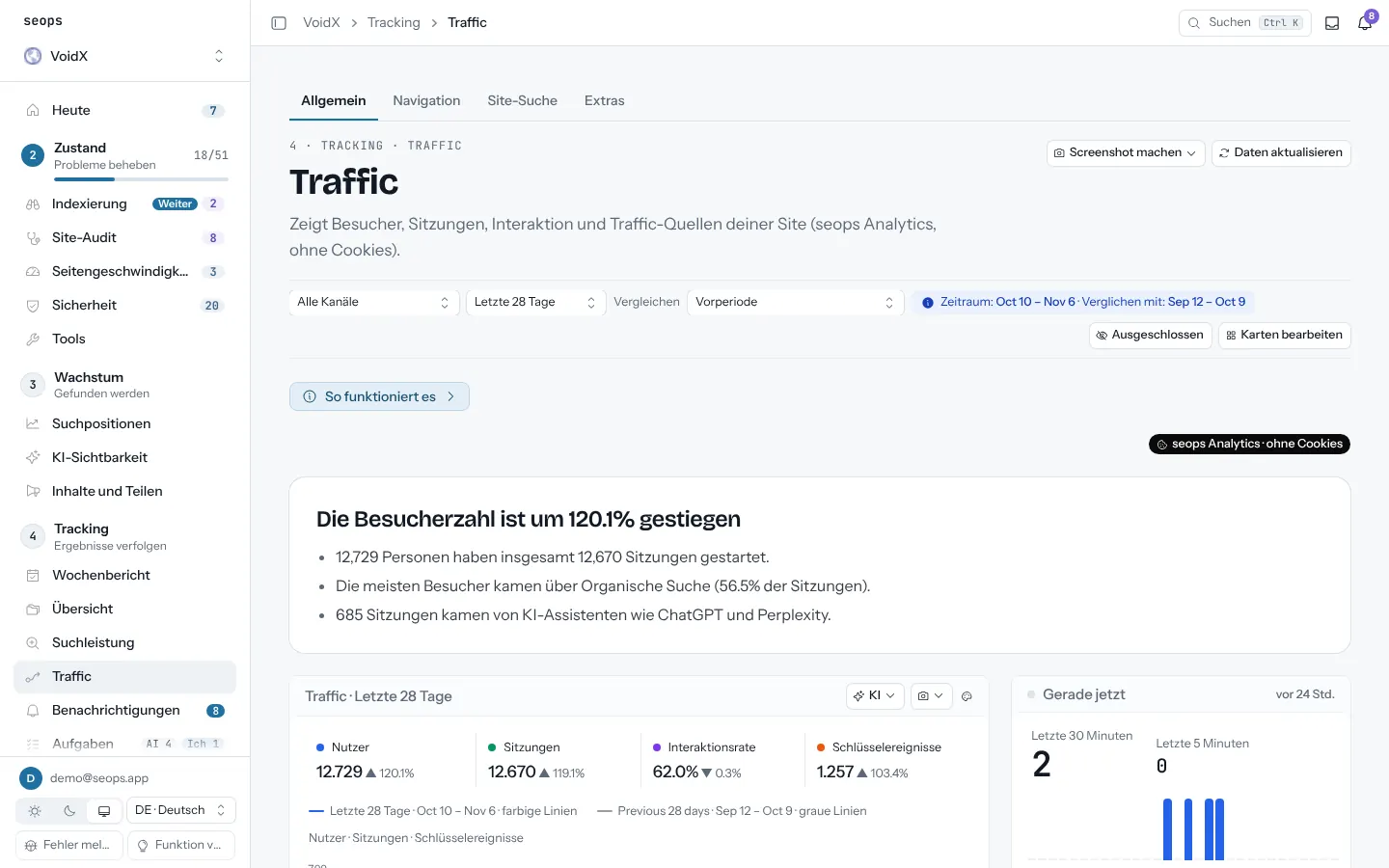
| AI-assistant traffic | Possible with a custom channel group or a regex on session source. | Built in for both sources: visits that started in ChatGPT, Perplexity, Gemini or Claude as their own channel. |
| Where the data lives | Google's servers; retention 2 or 14 months for event data; BigQuery export available. | Cloudflare Analytics Engine, raw hits 90 days, daily summaries while the site exists; deleted within 30 days after you delete the site. seops is your processor under the Data Processing Addendum; Cloudflare is the only subprocessor. |
| Ad blockers | Widely blocked by default lists; server-side tagging can reduce it. | Blocked by some lists too; no way around it is offered. Numbers are measurements, not an audit. |
| Running both | Independent of seops. | Install both on the same site; pick per project which source the panel shows. Switching back is one setting. |
| Assistant access | Data API; you build it. | get_analytics and get_realtime over MCP, with a source field telling the assistant which counter it reads. |
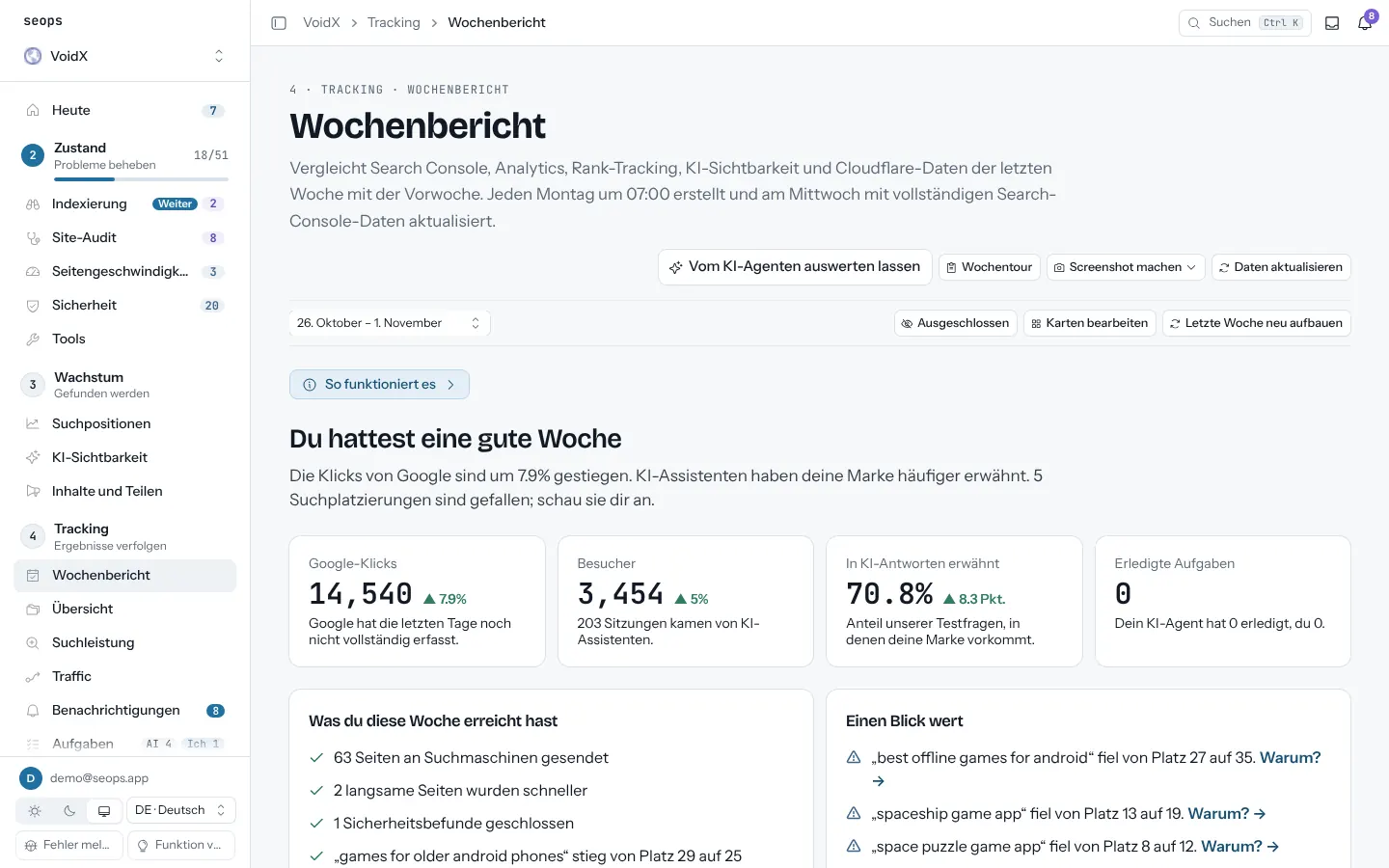
What it looks like in seops
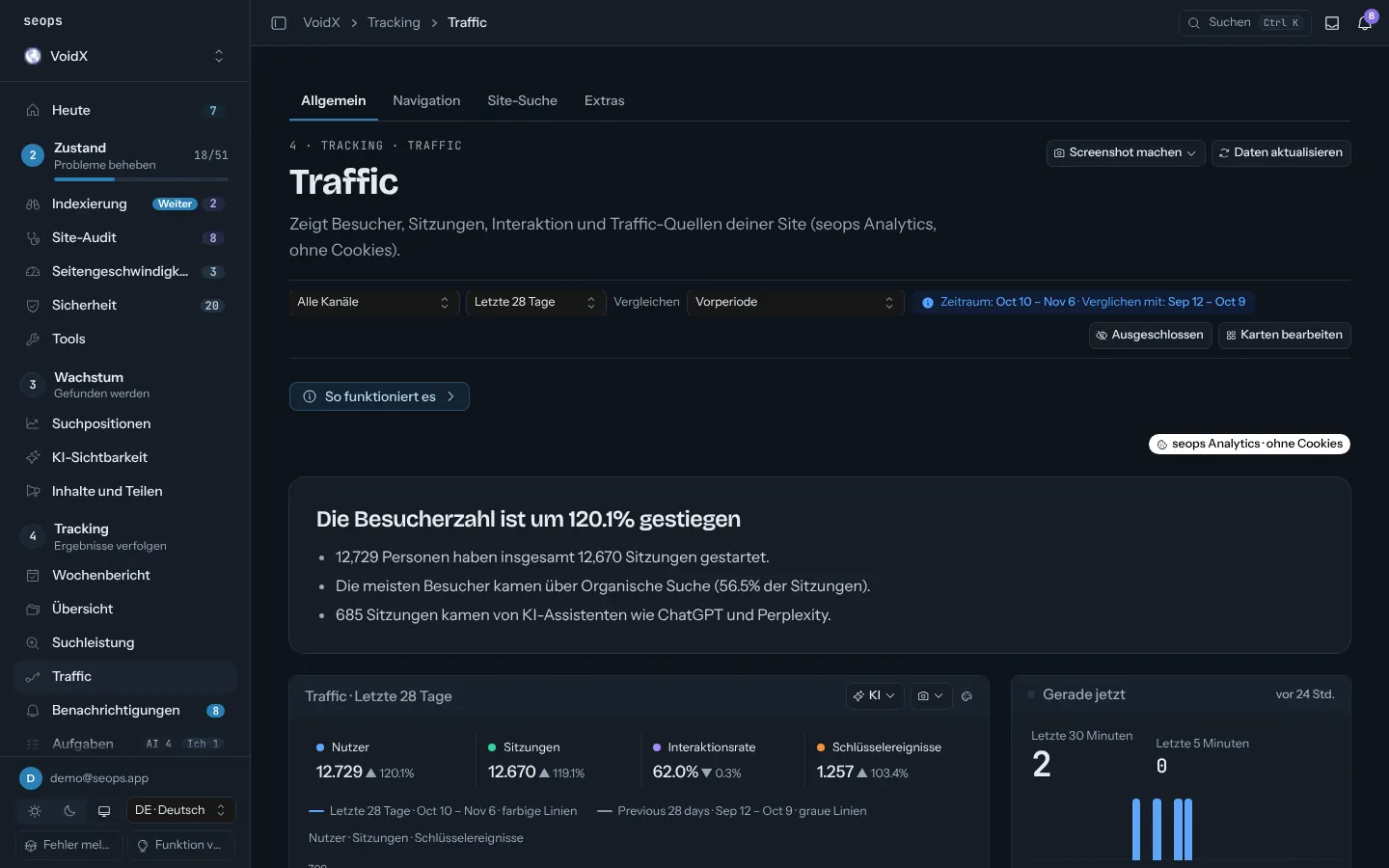
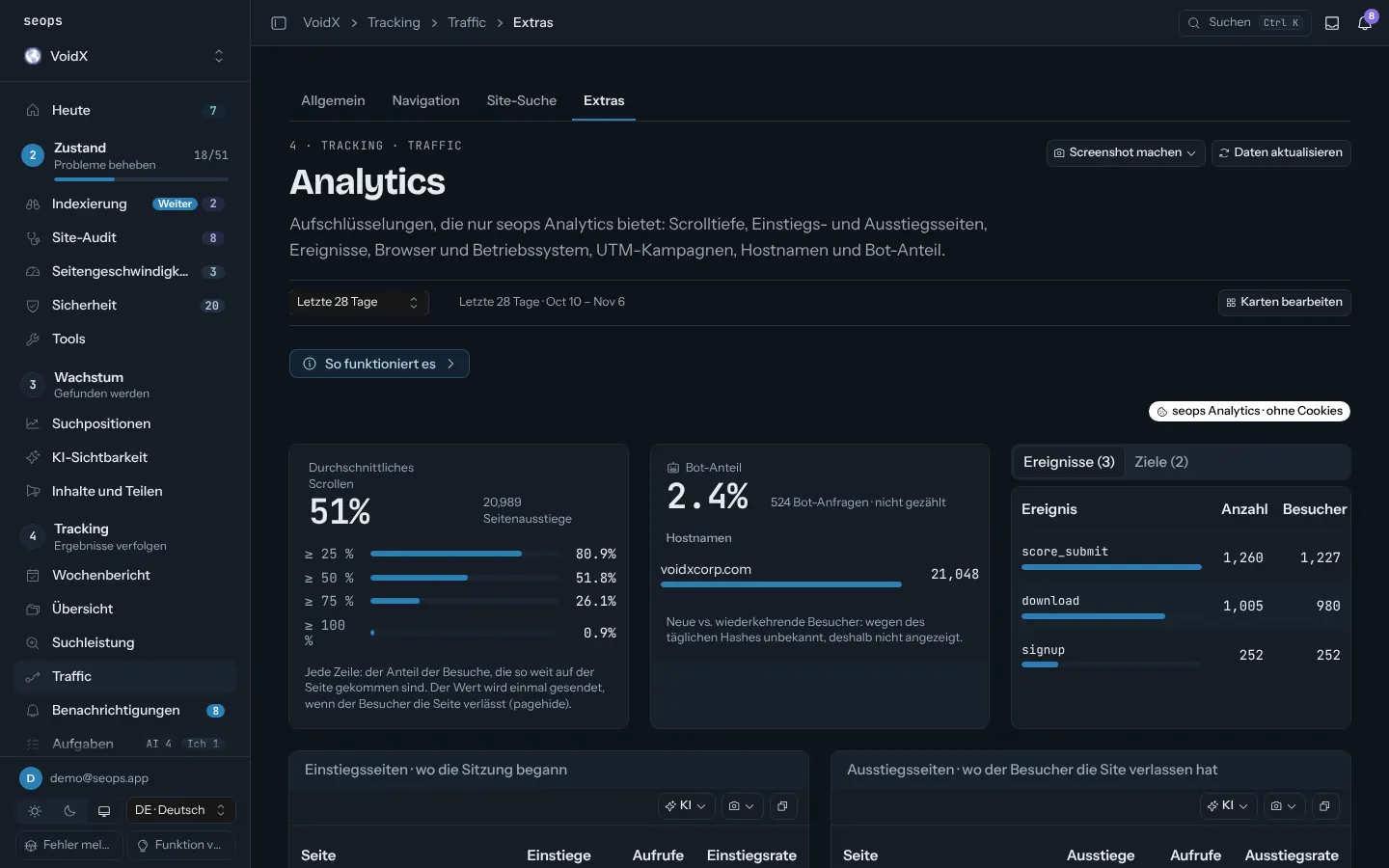
From the live demo, with sample data. For Google Analytics 4 screens see the vendor's site; we don't reproduce them here.
Pick Google Analytics 4 if
- Ad campaigns and conversions you need to attribute
- Returning users, cohorts, funnels, audiences
- A BigQuery pipeline already depends on it
Pick seops if
- You want visit counts without cookies and without identifying anyone
- A small script and one request per page view matter to you
- You want the counter next to Search Console, rankings and Cloudflare, readable by your assistant
Sources: Google Analytics: cookie usage on websites (November 6, 2026) · Google Analytics Help: data retention (November 6, 2026) · Google Analytics Help: data thresholds (November 6, 2026)
Google Analytics 4 is a trademark of its owner and is used here for identification only. Prices and limits change; check the vendor's page before buying. If you spot an error, write to contact@seops.app and we'll fix it.