Search Console reports for all your sites
seops reads the Search Console API for all your properties through one shared service account. The setup wizard finds the property for you; nothing to type. Queries and pages come with the comparison you choose: previous period, last week, last year.
In the panel4 · Tracking › Search performance › Google
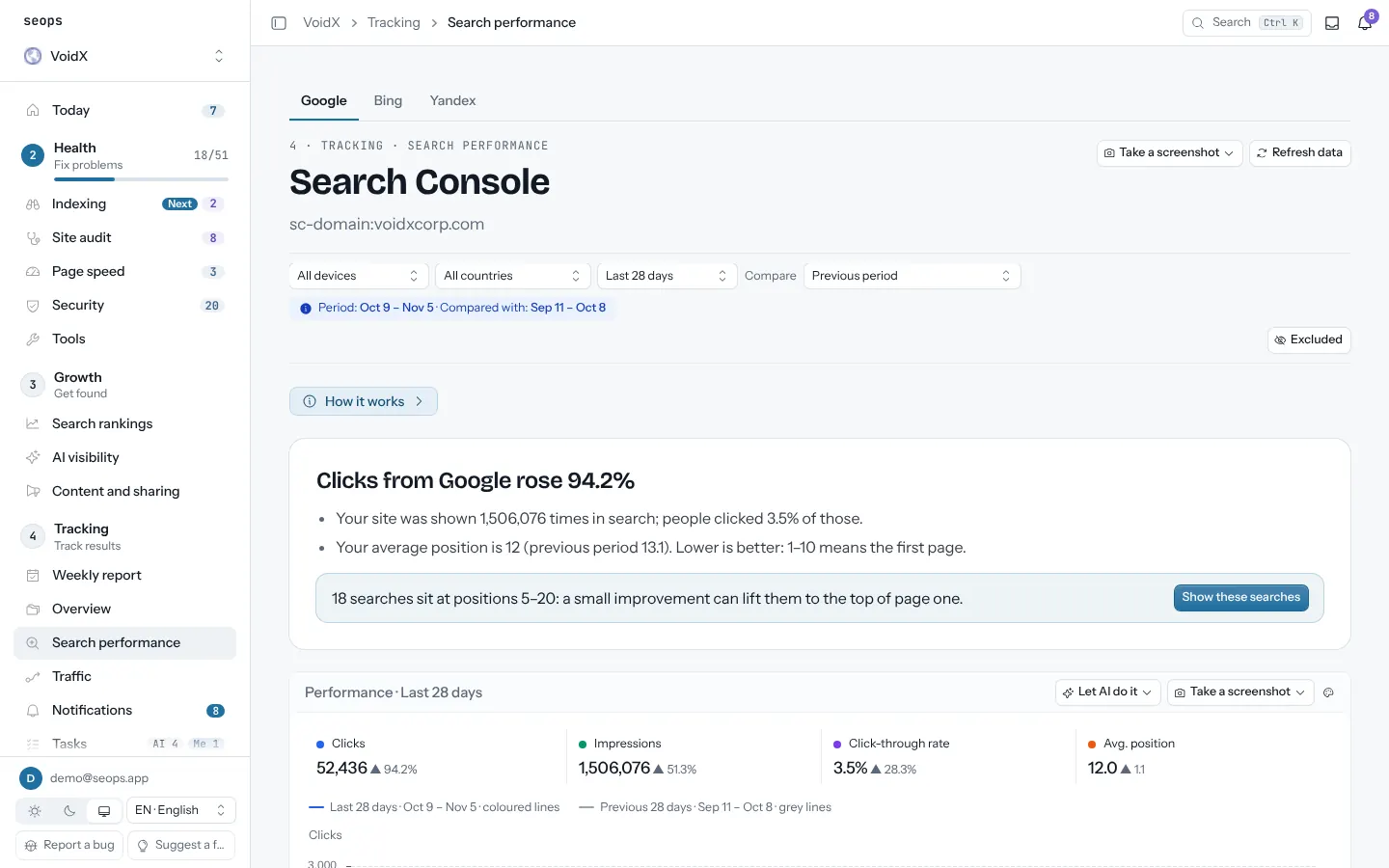
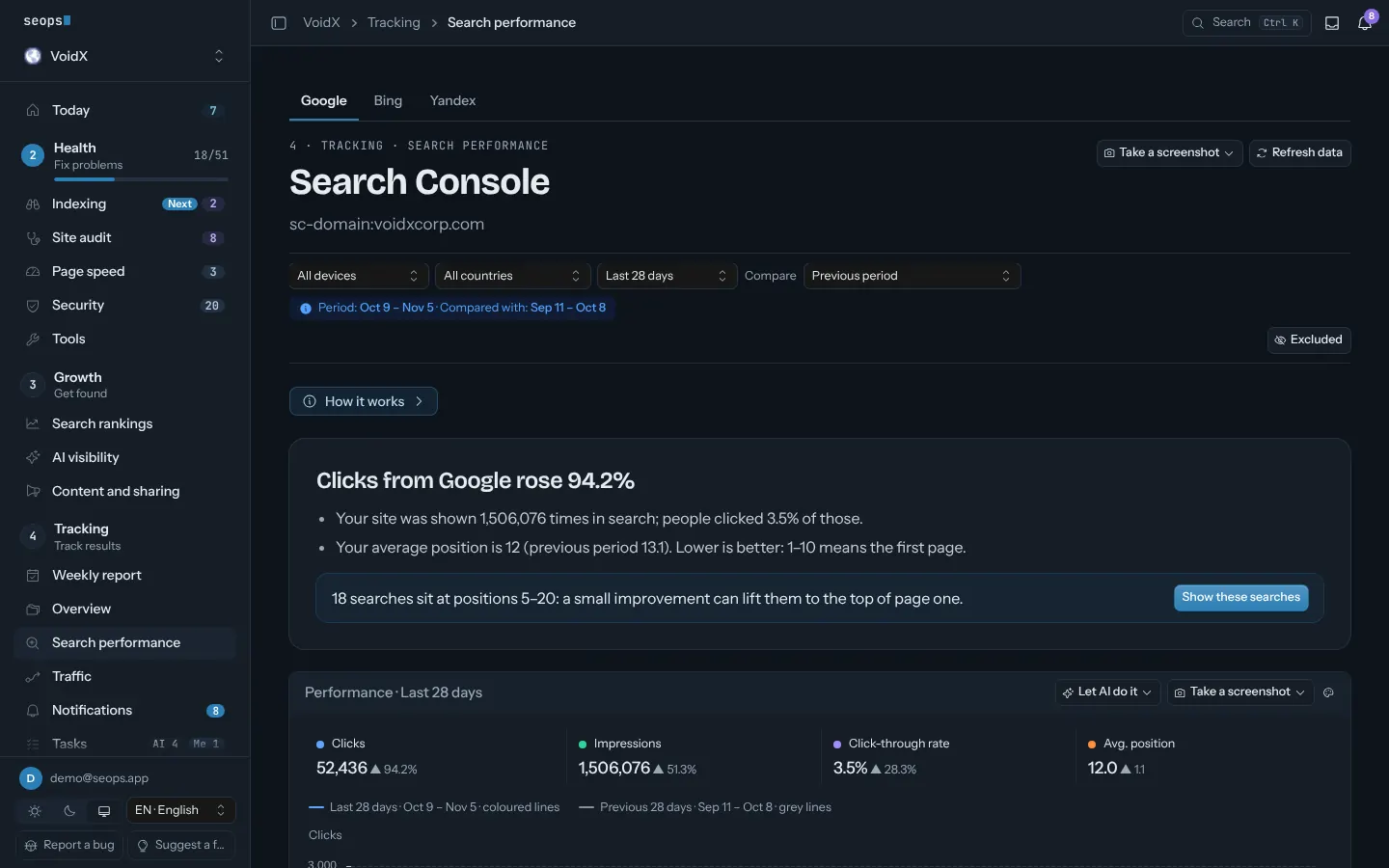
What you get
- Hourly view for today and yesterday
- Opportunity queries: high impressions, low CTR, position 4–20
- Exclude or copy any query or page from the row
- Sitemaps submitted from the panel
How it works
- Add the service account to your property as a full user
- Let the setup wizard find the property and press Check
- Read the first data within seconds; Google itself publishes with a 2–3 day delay
Related guides
Search
Cookieless analytics
seops Analytics: a 2.1 KB script, no cookies, no persistent identifier. Or your GA4 property. Visitors, pages, sources, events and AI-assistant traffic in one place.
Rank tracking
Search Console positions for the keywords you track, free. A daily Google position check is coming soon.
Index and IndexNow
Which pages Google has, which it dropped, and a queue that tells Bing and Yandex about changes.
Bing and Yandex
Bing Webmaster and Yandex Webmaster data next to Google. Bing is what ChatGPT search reads.
Start with one site, free
The first site is free forever and asks for no card. Every extra site is $2.50 a month.