AI prompt library for SEO reports
You don't have to know what to ask. Each report card ships a prompt written for that data: role, rules (no guessing, source and period next to every number), output format. Save your own variants to the library, share them across workspaces, and reuse them from MCP.
In the panel4 · Tracking › Tasks › Prompt library
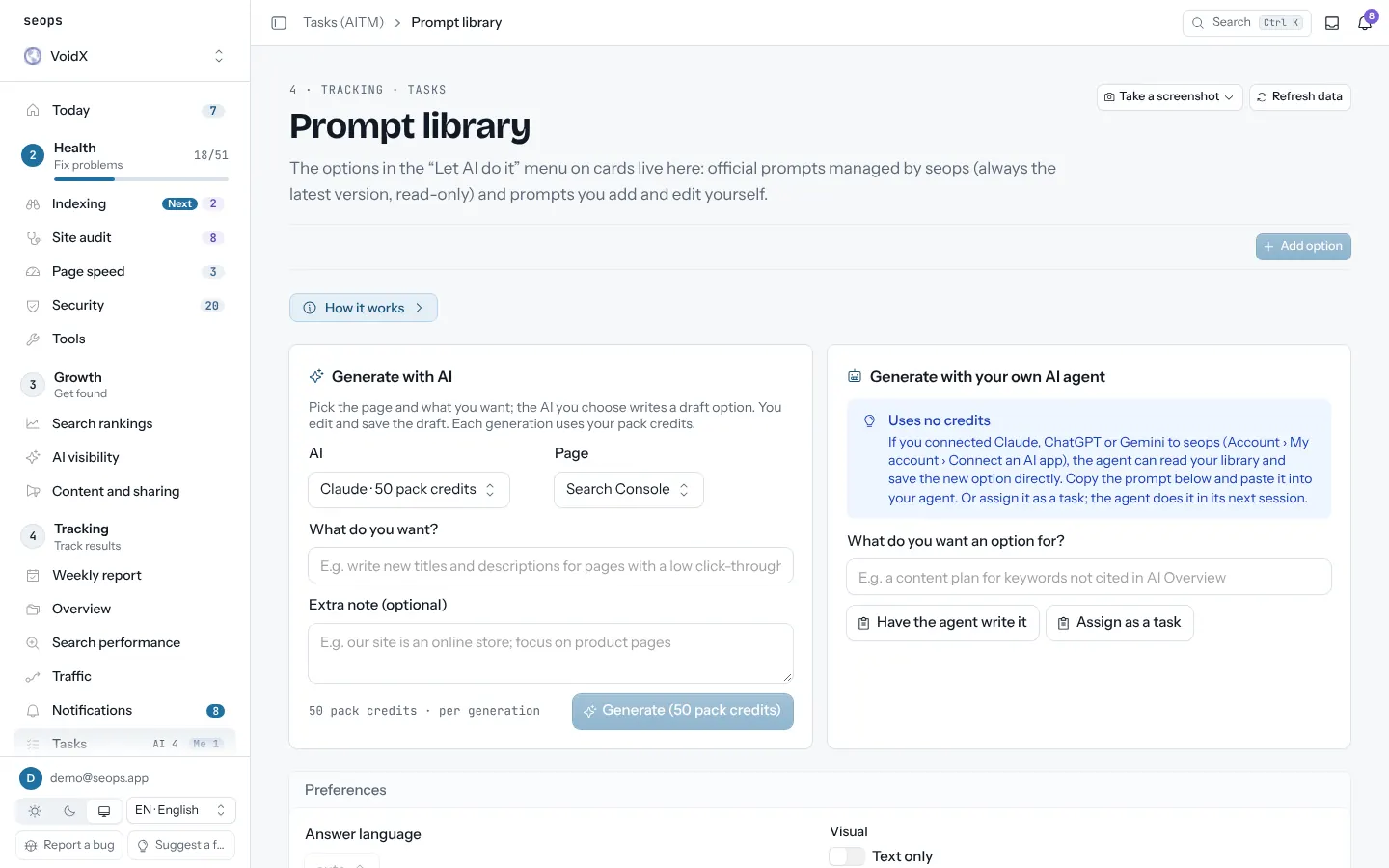
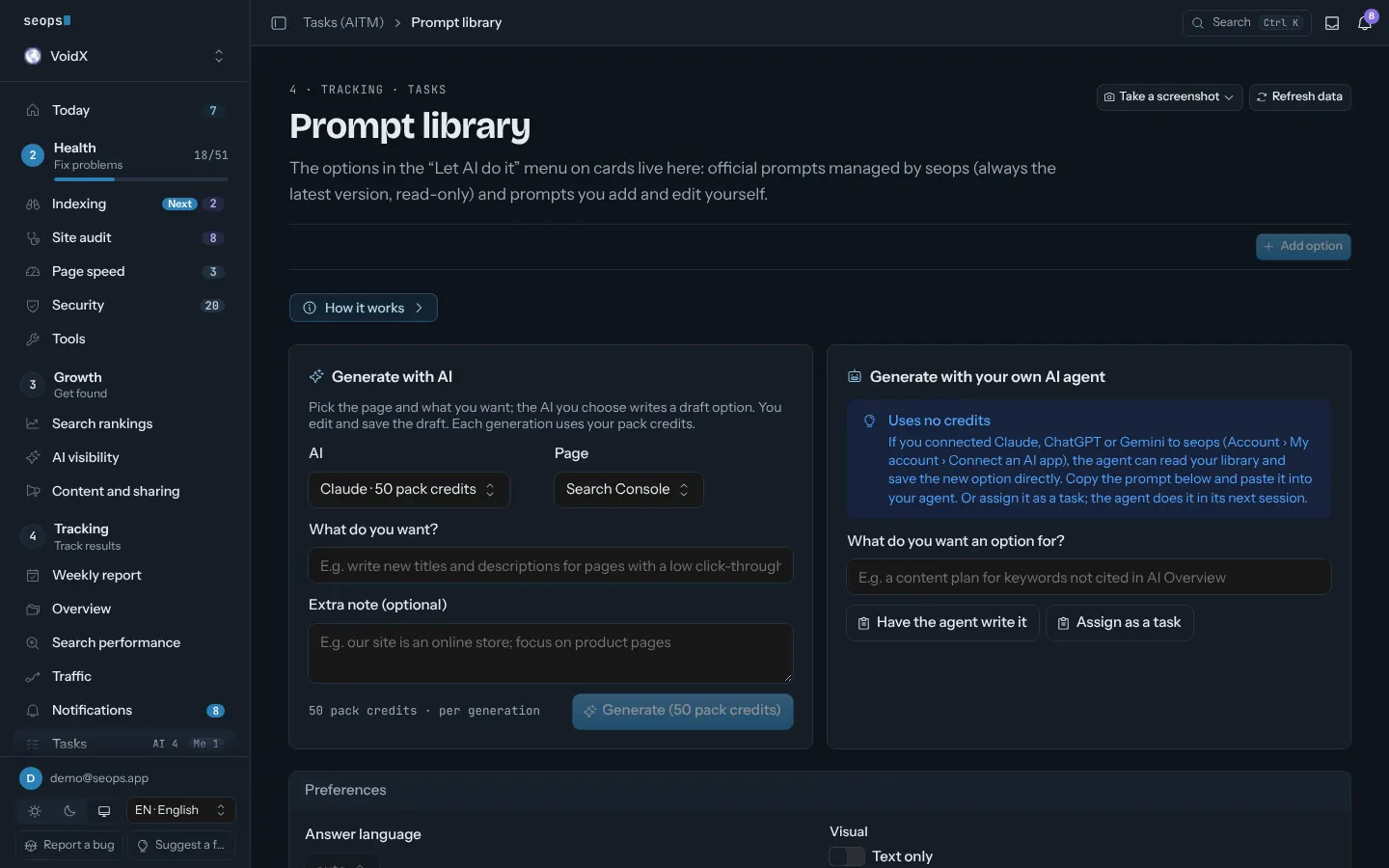
What you get
- Prompts per card type: opportunities, rank moves, AI visibility, audit, speed, weekly
- "This card only" or "all cards on the page" in one copy
- Starter prompts for keyword lists and AI prompts
- Prompt history: what was asked, what the agent did
How it works
- Click AI prompt on any card
- Paste into your assistant, or let MCP read the same data
- Save a good variant to the library
MCP
Your assistant reads this module with:
list_prompt_templatessave_prompt_templatelist_promptslog_prompt
Related posts
Agents
Tasks (AITM)
A task list that seops, you and your AI agent share. Findings become to-dos; one button hands a problem to your agent, and it starts only what you approve.
MCP for your assistant
Every report is a tool. Ask Claude, ChatGPT or Gemini about your sites instead of opening a dashboard.
Content and sharing
Drafts posts from the week's real numbers (new ranks, AI citations, speed wins) for Bluesky, X and LinkedIn. You approve; nothing goes out by itself.
Start with one site, free
The first site is free forever and asks for no card. Every extra site is $2.50 a month.