SEO task list shared with your AI agent
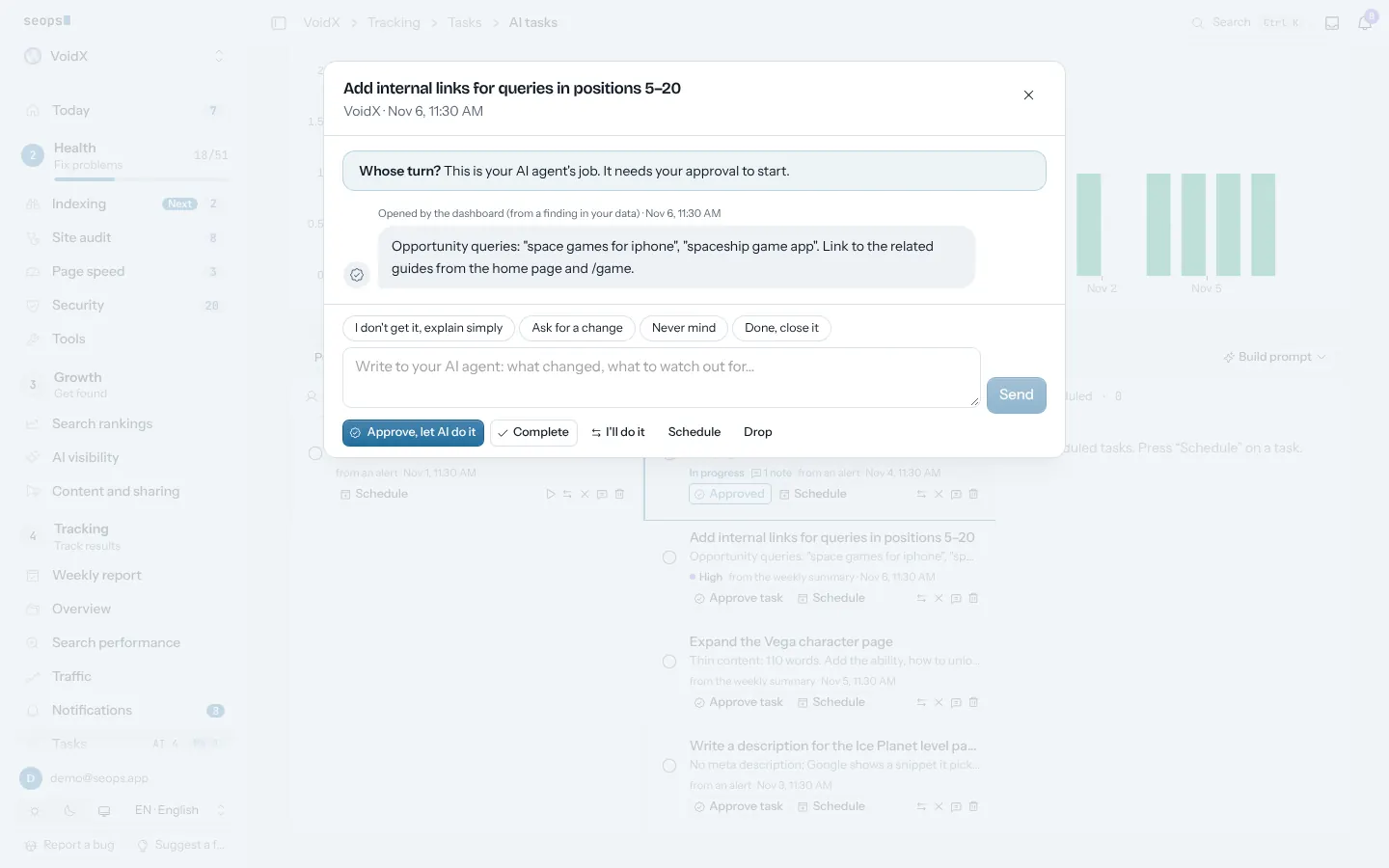
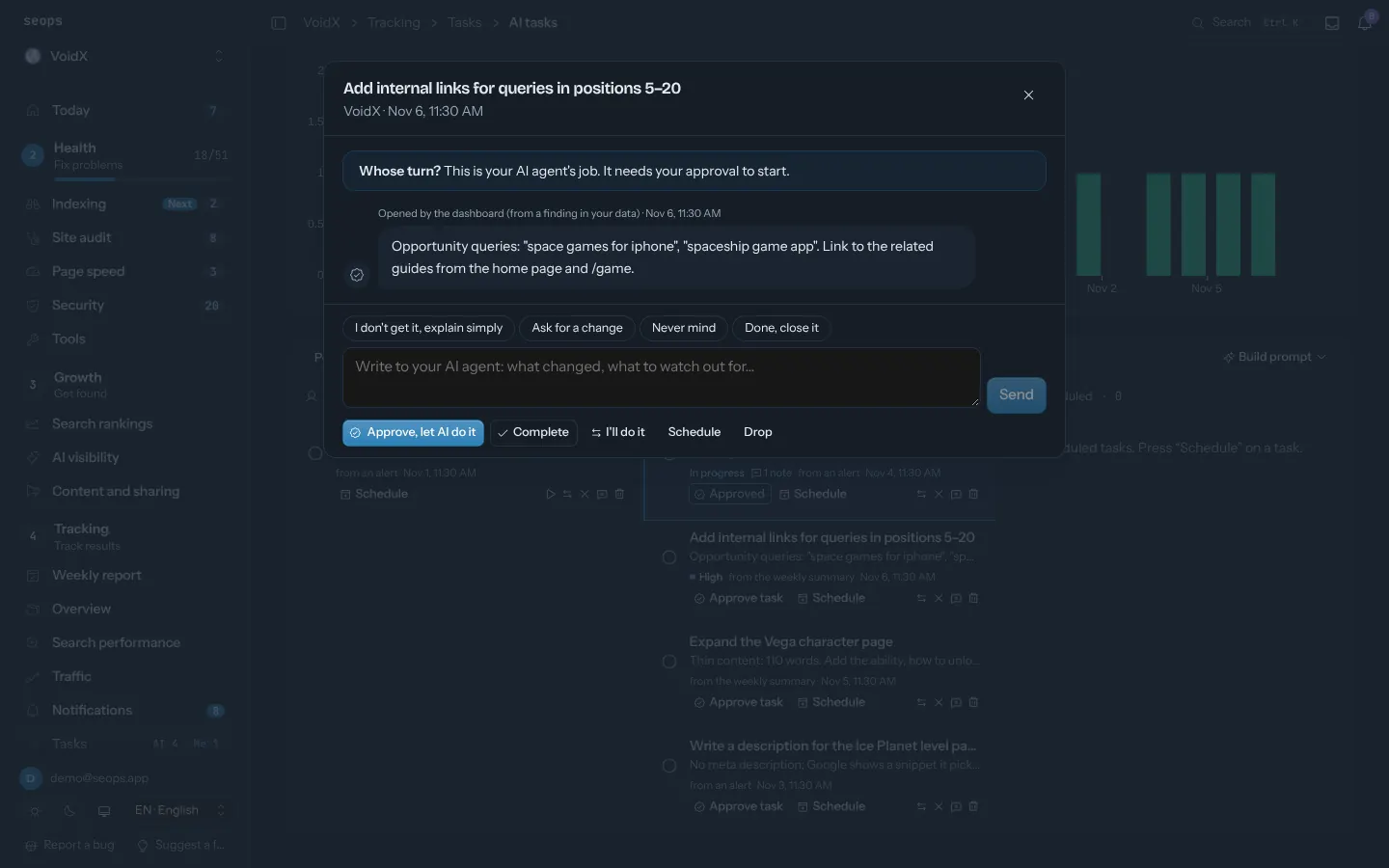
Audit findings, index problems, slow pages and missing connections land in To-do in order of impact, each with a counter of what is left; an item closes on its own when the work is done. Next to many problems in the panel sits a Let your AI agent do it button: it turns the problem into an approved task that your agent picks up over MCP. Each task opens as a chat that shows whose turn it is; you and the agent reply to each other, then approve, complete, hand over or drop it.
In the panel4 · Tracking › Tasks › AI tasks4 · Tracking › Tasks › To-do
What you get
- To-do: work from your data in order of impact, with what is left and what is done
- Let your AI agent do it, on Today and next to problems across the panel
- Every task is a chat: whose turn it is, notes from you and the agent, approve, complete, hand over or drop
- Owner: you or the AI agent; the agent starts only what you approve and closes it with proof
- Task history and Prompt history: what was asked and what the agent did
How it works
- Connect your AI agent over MCP; it is the last step of setup
- Press Let your AI agent do it on a problem, or approve a task under AI tasks
- Read the agent's reply in the task chat and complete the task
Related posts
Agents
MCP for your assistant
Every report is a tool. Ask Claude, ChatGPT or Gemini about your sites instead of opening a dashboard.
Prompt library
Every card has an "AI prompt" button: the data plus a tested analysis prompt, copied to Claude, ChatGPT or Gemini in one click.
Content and sharing
Drafts posts from the week's real numbers (new ranks, AI citations, speed wins) for Bluesky, X and LinkedIn. You approve; nothing goes out by itself.
Start with one site, free
The first site is free forever and asks for no card. Every extra site is $2.50 a month.