Cloudflare security events and Workers usage
The parts of the Cloudflare dashboard you actually open, for every zone in one list. Security events by action and feature, top attacked paths, and usage of Workers, D1 and R2 against plan limits.
In the panel2 · Health › Security › Cloudflare eventsSettings › Infrastructure › Cloudflare usage
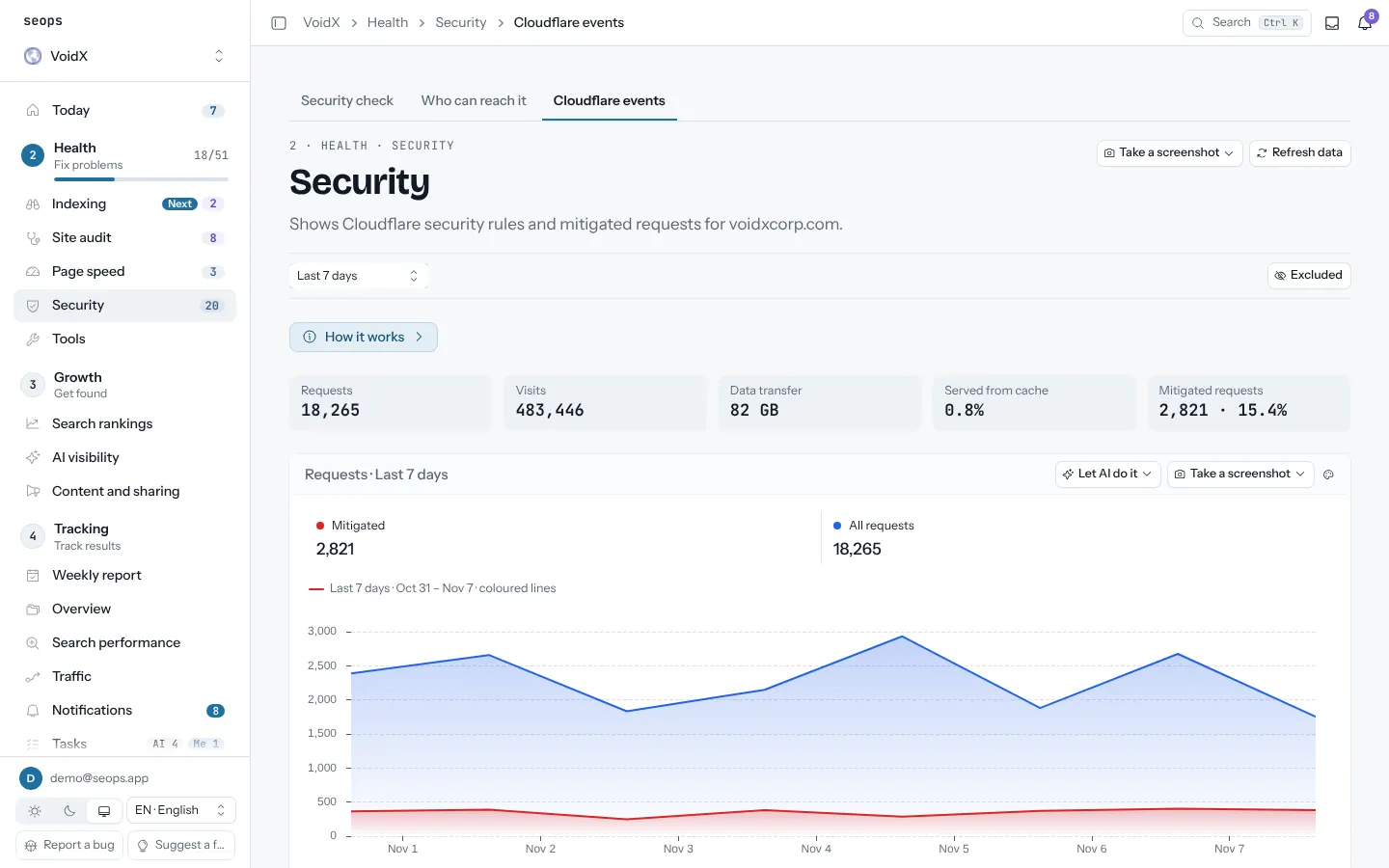
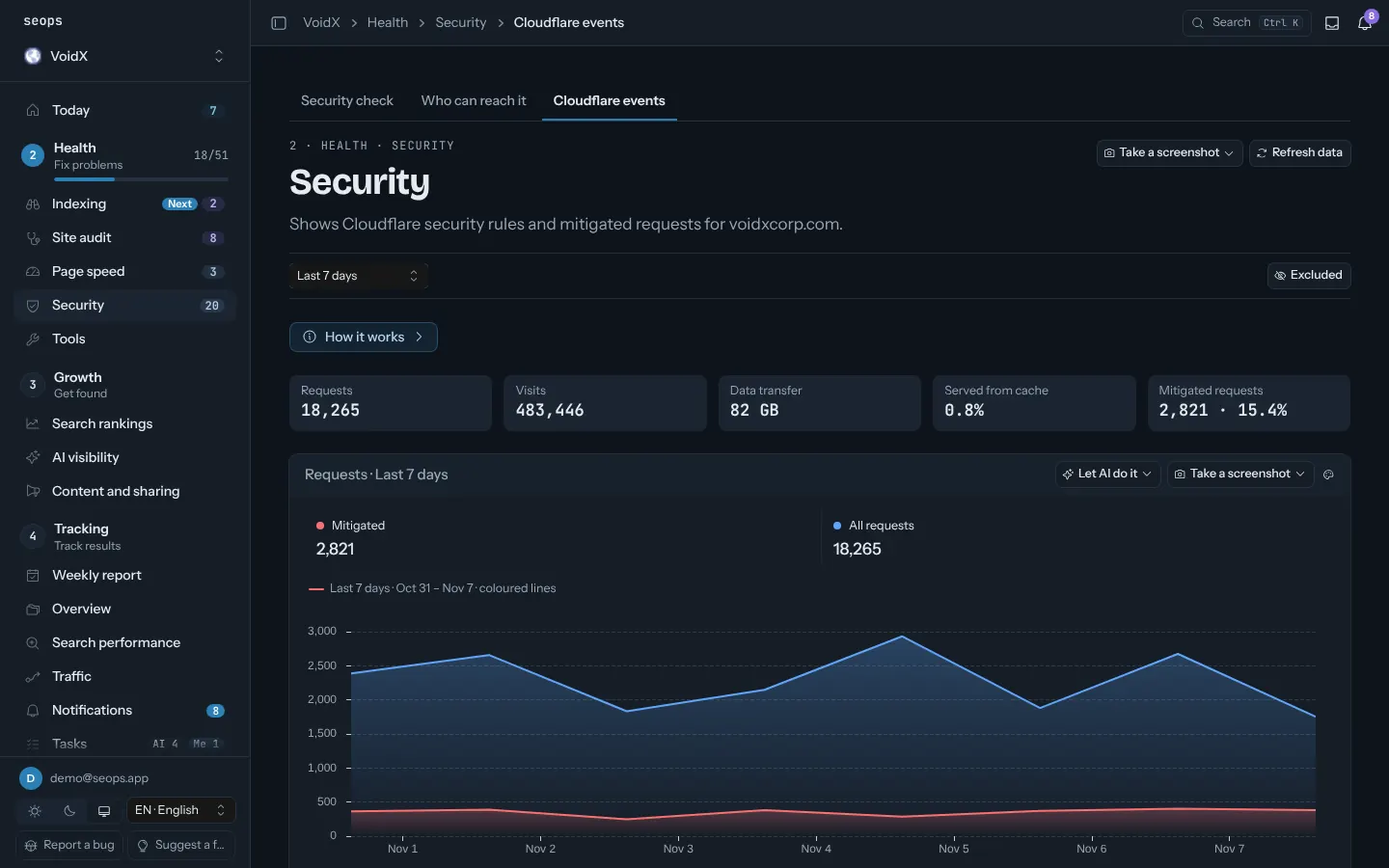
What you get
- Requests, visits, data, blocked; by rule
- Usage meters with the free and paid limits
- Nightly D1 backups to R2, including FTS5 databases
- Cron and queue status for your own Workers
How it works
- Create one API token with read scopes
- Paste it once
- Pick zones per project
Related guides
Related posts
Site operations
Site audit
Titles, descriptions, canonicals, structured data, thin content, broken links. Every sitemap page, on a schedule.
Page speed
Core Web Vitals for the pages that matter, mobile and desktop, with the change since the last run.
Security check
HTTPS, security headers, exposed .env and .git files, SPF/DMARC and Cloudflare TLS checked from outside, plus a code audit run by your own AI agent.
Backups
D1, Supabase, WordPress and Hostinger VPS backups watched in one place, with alerts when they go stale.
Weekly report and notifications
Every Monday: what changed across search, traffic, rankings, AI visibility and tasks, per site. Alerts in between when something breaks.
Start with one site, free
The first site is free forever and asks for no card. Every extra site is $2.50 a month.