Page speed and Core Web Vitals tracking
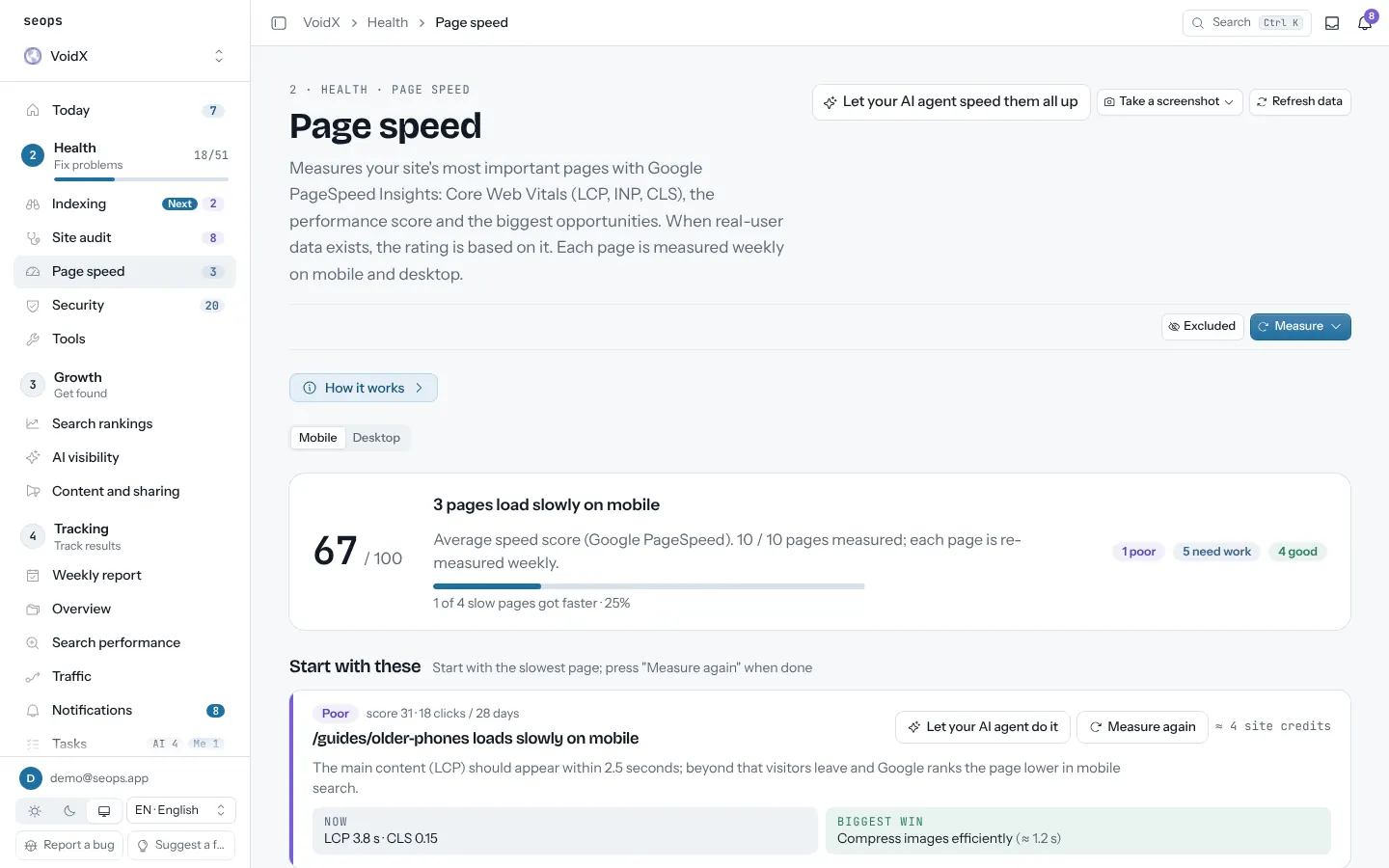
seops measures your home page and the nine pages that earn the most traffic with Google PageSpeed Insights, on mobile and desktop, once a week. Real-user Chrome data is used when the page has it, lab data otherwise. Every run shows the change since the previous one in green or red, and the biggest opportunities tell you what to fix first.
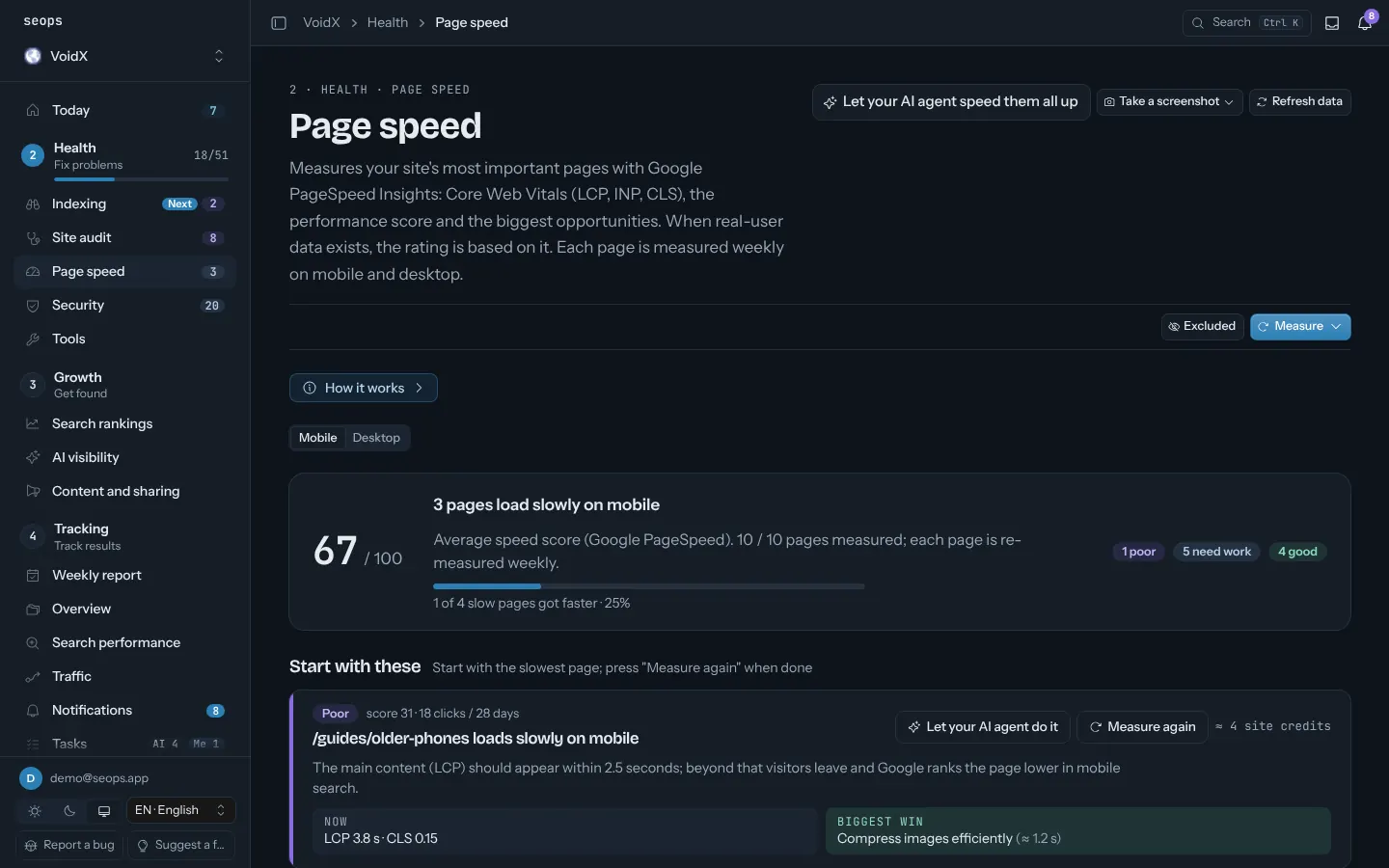
In the panel2 · Health › Page speed
What you get
- LCP, INP, CLS and performance score per page, mobile and desktop
- Pages picked by importance: Google clicks × 3 + impressions ÷ 100 + sessions × 2
- Change since the previous measurement on every number
- Biggest opportunities per page: which resource costs how many milliseconds
- Thresholds (p75): LCP ≤ 2.5 s, INP ≤ 200 ms, CLS ≤ 0.1 is good; in the lab, TBT stands in for INP
- A task opens automatically for pages that are poor on mobile
How it works
- Add the site; the first measurement runs with the first audit
- Add your own PageSpeed key to avoid the shared quota
- Measure a page again after you ship a fix and compare
Related guides
Site operations
Site audit
Titles, descriptions, canonicals, structured data, thin content, broken links. Every sitemap page, on a schedule.
Cloudflare security and usage
Blocked requests, rules that fired, countries and paths, and Workers/D1/R2 usage against limits.
Security check
HTTPS, security headers, exposed .env and .git files, SPF/DMARC and Cloudflare TLS checked from outside, plus a code audit run by your own AI agent.
Backups
D1, Supabase, WordPress and Hostinger VPS backups watched in one place, with alerts when they go stale.
Weekly report and notifications
Every Monday: what changed across search, traffic, rankings, AI visibility and tasks, per site. Alerts in between when something breaks.
Start with one site, free
The first site is free forever and asks for no card. Every extra site is $2.50 a month.