Website security check: headers, TLS, SPF, DMARC
Two layers. seops reads your site like a visitor and checks the things an attacker tries first: the HTTPS redirect, HSTS, CSP, X-Frame-Options, nosniff, Referrer-Policy, server version leaks, exposed .env, .git and .dev.vars files, security.txt, SPF and DMARC records, and with a Cloudflare key the SSL mode and minimum TLS version. The code audit is done by your own AI agent (Claude Code, Cursor, Codex…) with Cloudflare's MIT-licensed security-audit skill: it traces every candidate finding, confirms it in a sandbox or rejects it, and sends the result to the panel over MCP or as a findings.json upload.
Honest limit: the code audit runs in your agent's session, so the AI usage is billed to your account, not to seops. A version that runs on the server is in preparation.
In the panel2 · Health › Security › Security check2 · Health › Security › Who can reach it
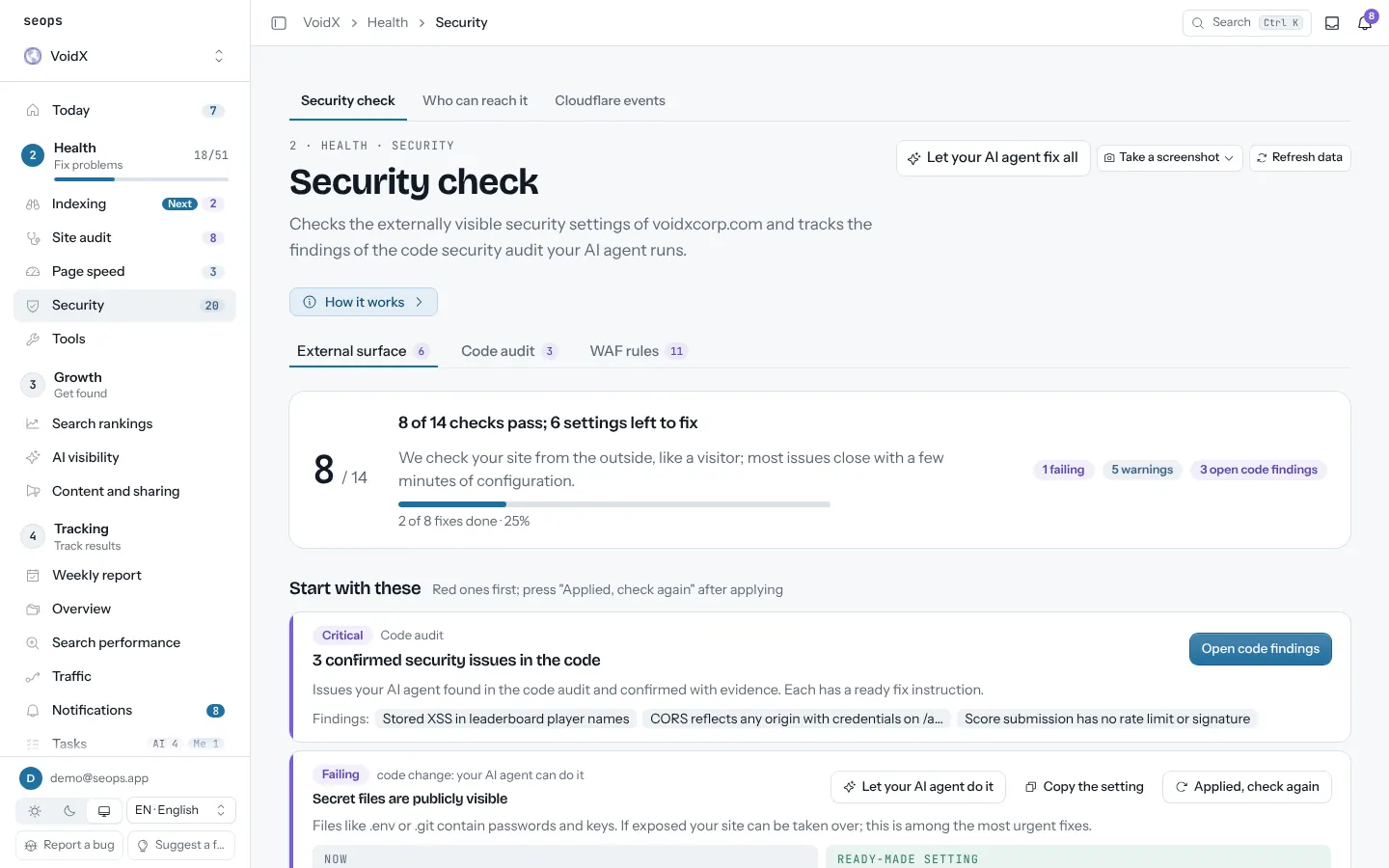
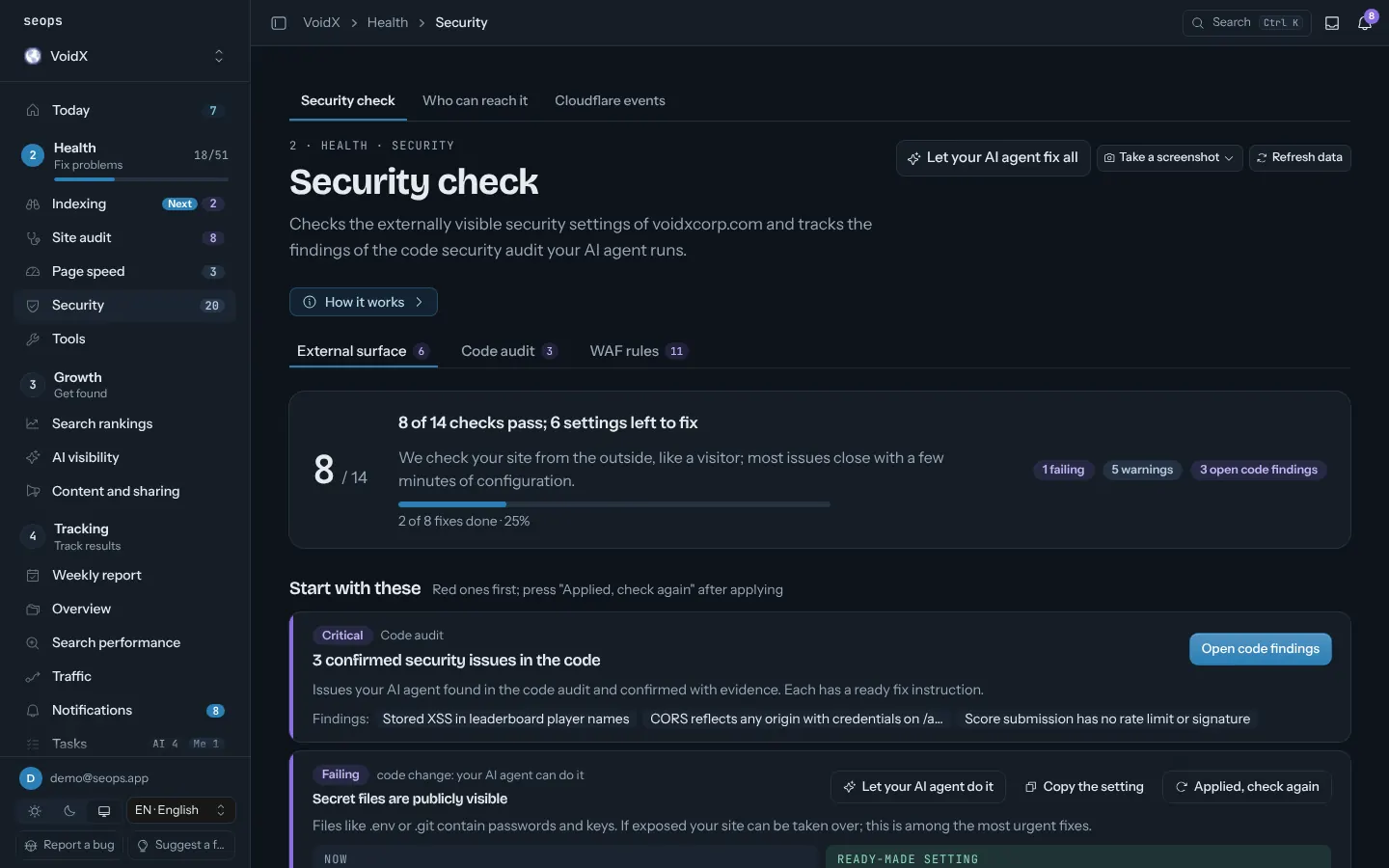
What you get
- External surface checks refreshed once a day, or on demand with Check again; each red row has a copyable fix
- Code findings with verdict (confirmed, needs validation, rejected), severity, file and line
- Finding status you control: open, fixed, accepted risk, false positive
- New and resolved findings matched to the previous audit by fingerprint
- One-click fix prompt for your agent and a task per finding; no duplicate tasks
- WAF rules: each Cloudflare rule next to its proposed version, with why and what changes; you apply the change in Cloudflare, the panel never writes to it
- Who can reach it: whether search and AI bots, PageSpeed and visitors from other countries get through, and whether a block comes from Cloudflare or from the site
How it works
- Add the site; the external checks run the first time you open Security check
- Copy the audit prompt from the panel into your agent; it installs the skill, audits the repo and calls submit_security_audit
- Review confirmed findings, set their status, hand the fix prompt to the agent, re-run after the fix
Questions
Does seops touch my live site during the code audit?
No. The skill's rules say: run target code only in an OS-enforced sandbox, do not probe the live site or production services, write outputs outside the repo. seops only receives the findings.
What does the external check cost?
Nothing. It is a handful of HTTPS and DNS requests to your own site and runs for every site, free.
Which agents work?
Any agent that can install a skill and call an MCP tool: Claude Code, Cursor, Codex and similar. Without MCP you upload findings.json in the panel.
Can I ignore a finding?
Yes. Mark it accepted risk or false positive with a note; it stays out of the open count but is kept in the history.
Related guides
Site operations
Site audit
Titles, descriptions, canonicals, structured data, thin content, broken links. Every sitemap page, on a schedule.
Page speed
Core Web Vitals for the pages that matter, mobile and desktop, with the change since the last run.
Cloudflare security and usage
Blocked requests, rules that fired, countries and paths, and Workers/D1/R2 usage against limits.
Backups
D1, Supabase, WordPress and Hostinger VPS backups watched in one place, with alerts when they go stale.
Weekly report and notifications
Every Monday: what changed across search, traffic, rankings, AI visibility and tasks, per site. Alerts in between when something breaks.
Start with one site, free
The first site is free forever and asks for no card. Every extra site is $2.50 a month.